How to use the AI Assessment Generator in Better Teaching Solutions (BTS)?
Use the AI Assessment Generator in Better Teaching Solutions (BTS) to create MATATAG- and DepEd-aligned quizzes and exams in seconds, complete with a Table of Specifications (TOS), professional formatting, and a built-in editor so you can refine questions before printing or exporting.
Core features of the AI Assessment Generator
- MATATAG curriculum integration for real-time alignment with DepEd standards and learning competencies.
- Automated Table of Specifications (TOS) with balanced cognitive levels and difficulty weights.
- Multiple assessment types including quizzes, summative tests, performance tasks, and periodic exams.
- Smart auto-save to your personal assessment library.
- One-click export to Word (.docx) or direct printing.
- Rich text editor with math support for formulas and structured formatting.
Step 1: Open the AI Assessment Generator and set your context
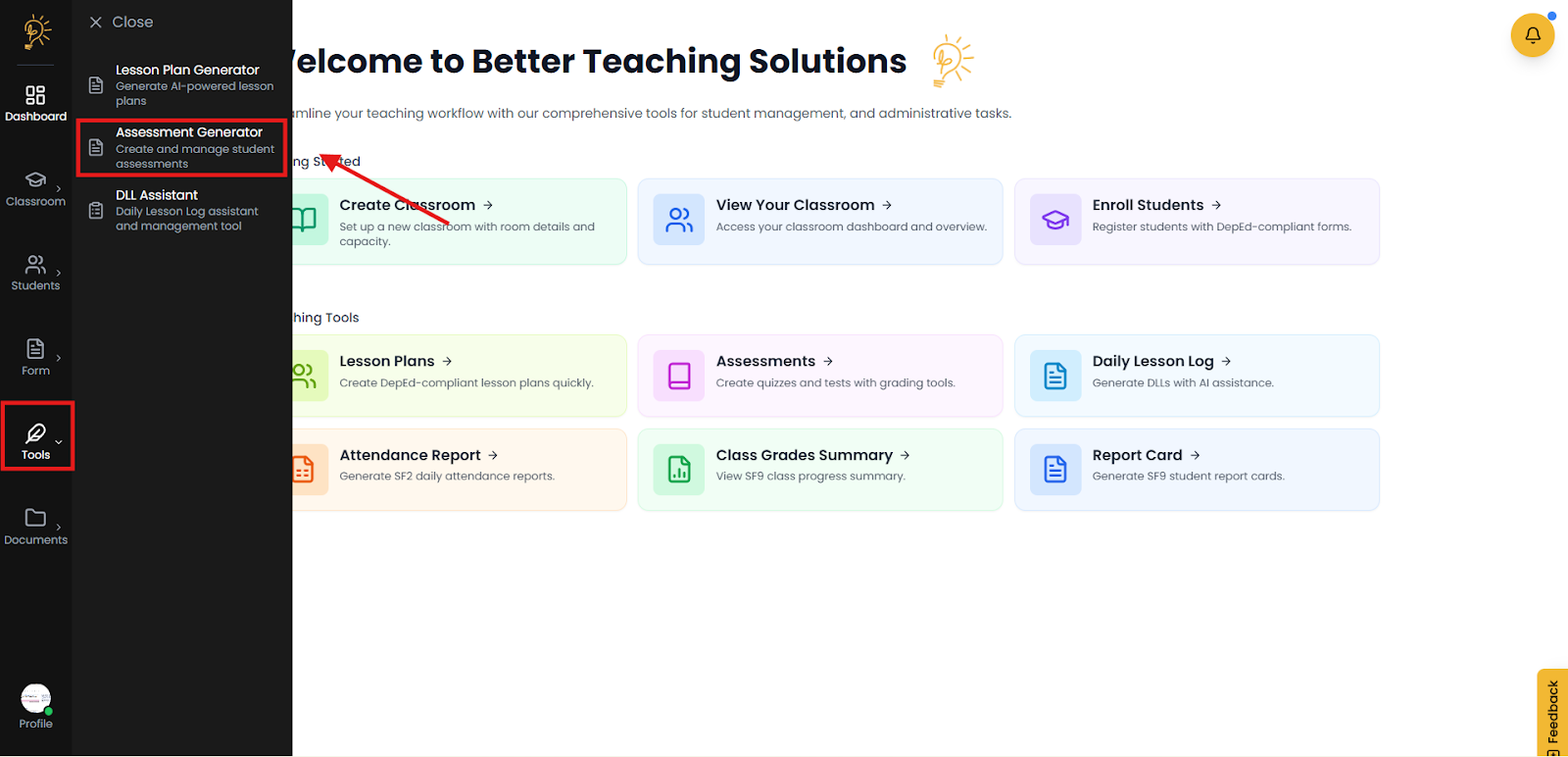
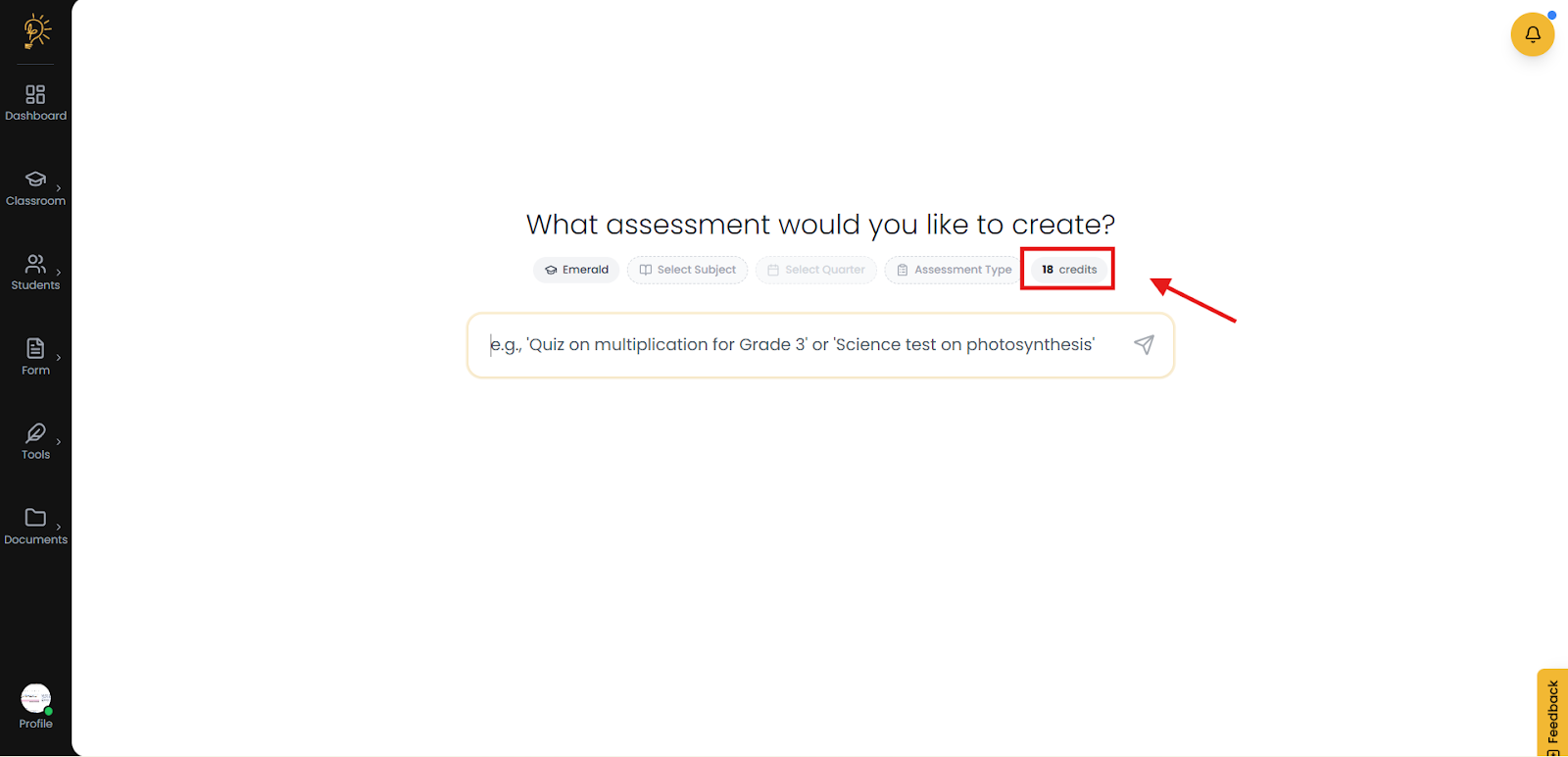
Set up your AI assessment by opening the Assessment Generator, choosing the correct class and subject, and checking your available AI credits.
- Select the Tools icon and click the assessment generator.
- The credit represents how many times you can use the AI tool for generating the assessment you want to create.
Step 2: Start your Assessment Generation
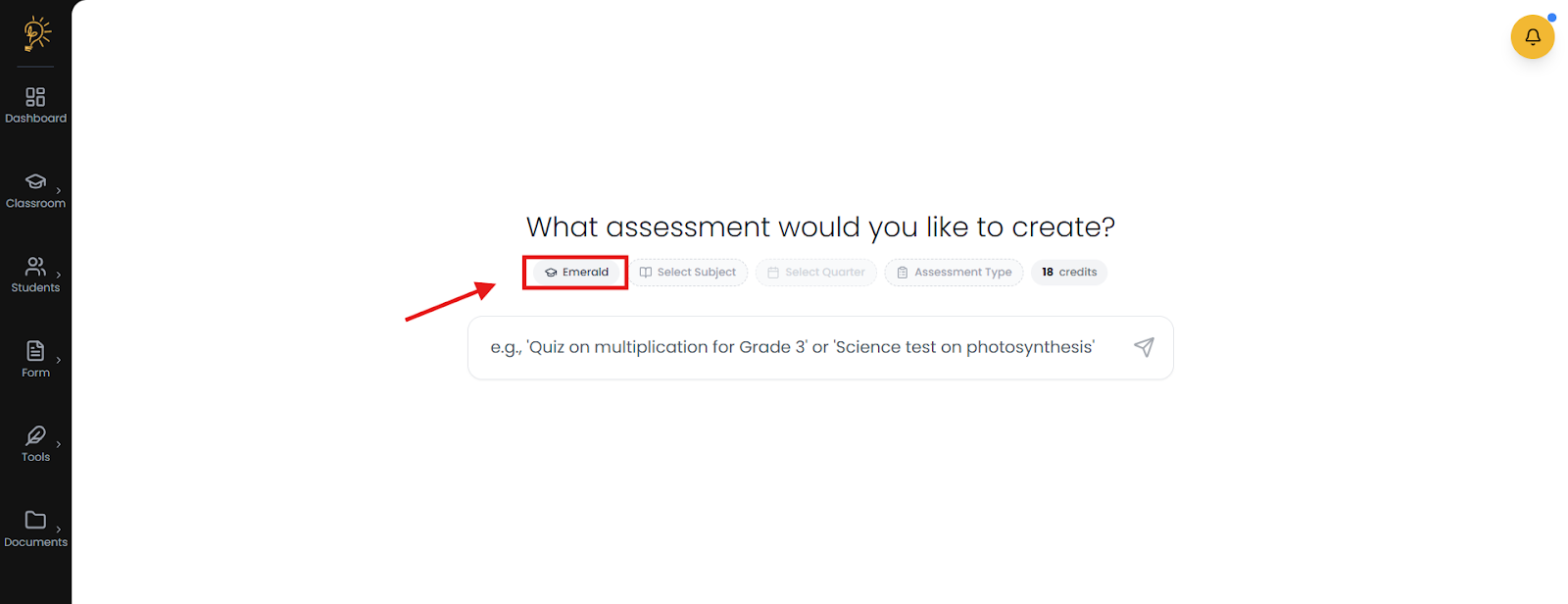
Start your AI assessment by choosing where it belongs and what kind you need. First, pick the classroom, subject, quarter, and assessment type (Diagnostic, Formative, or Summative), then describe the assessment you want so the AI can generate it and save it to your documents for preview and future use.
- Using the button or dropdown option. Click the Assessment Type button or dropdown.
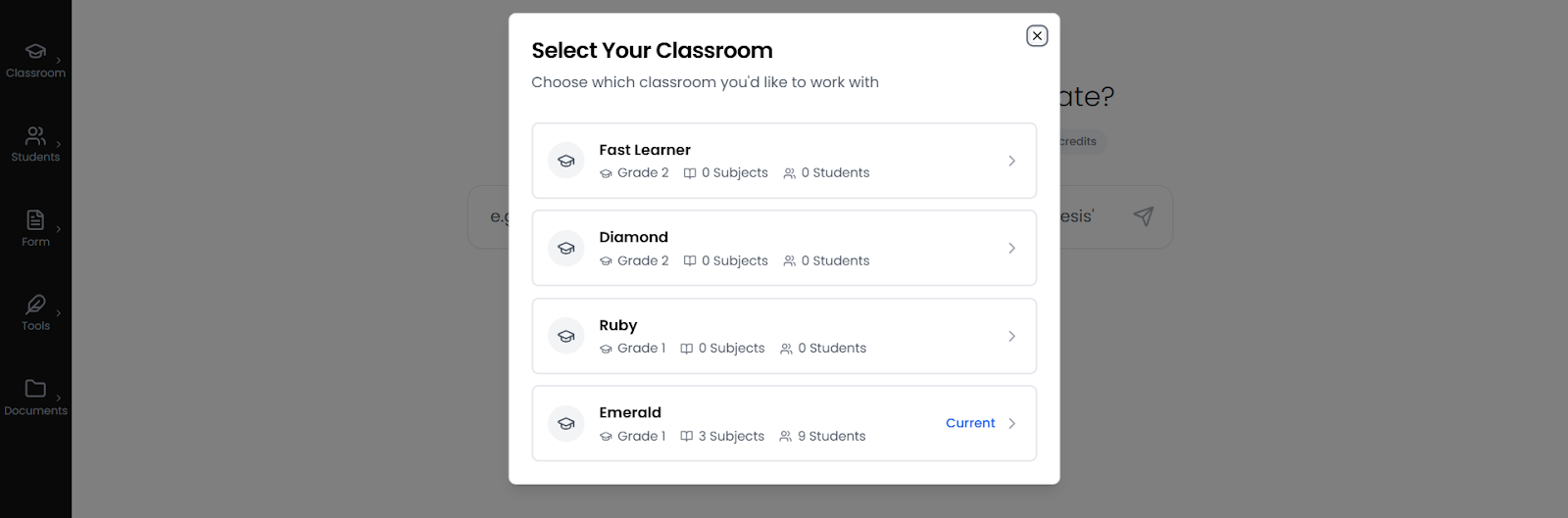
- Select the classroom where the assessment will be created.
- The option for the classroom created will be shown, then click the classroom.
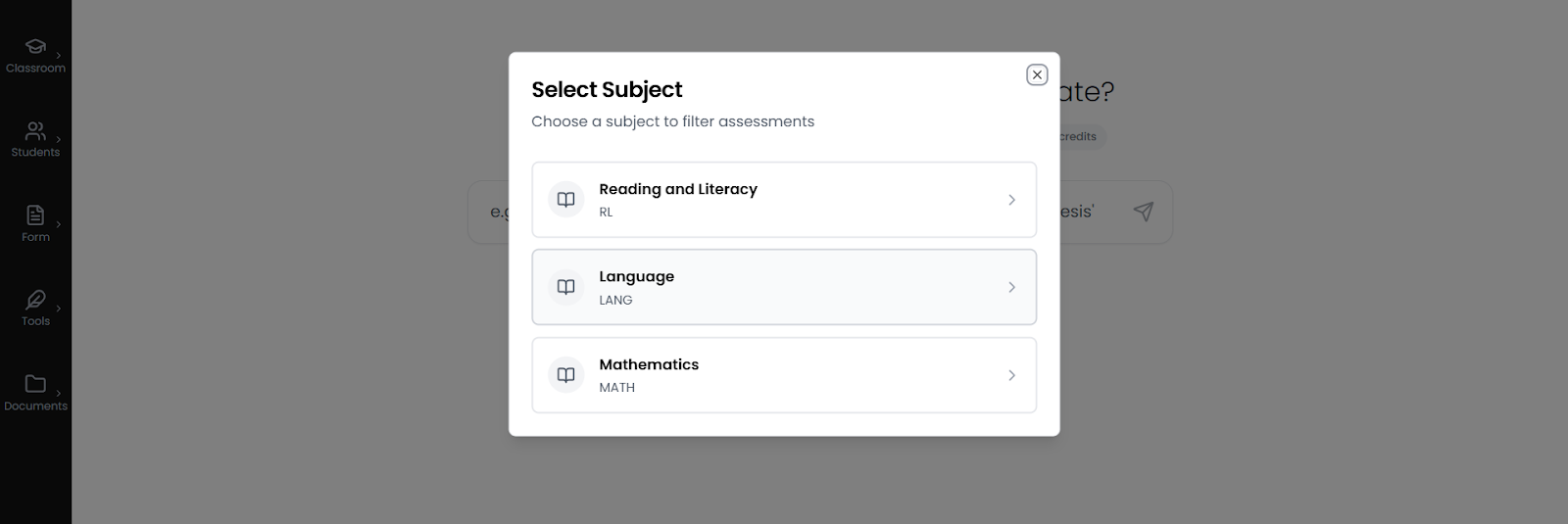
- Select the subject.
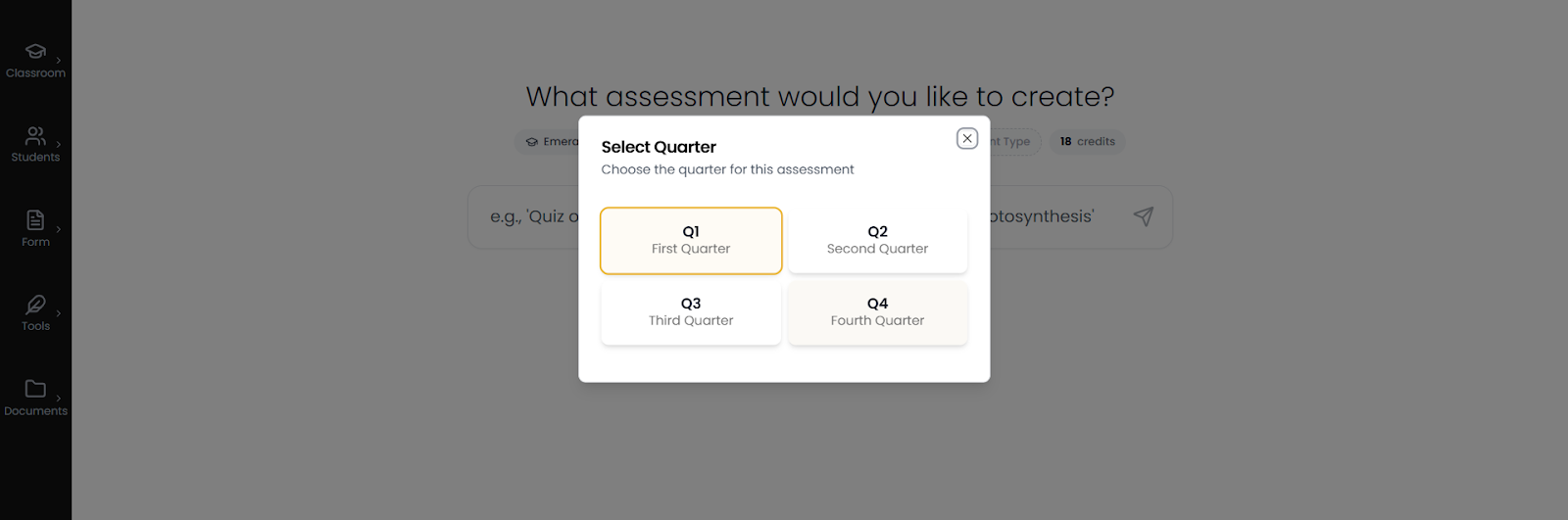
- Select the quarter.
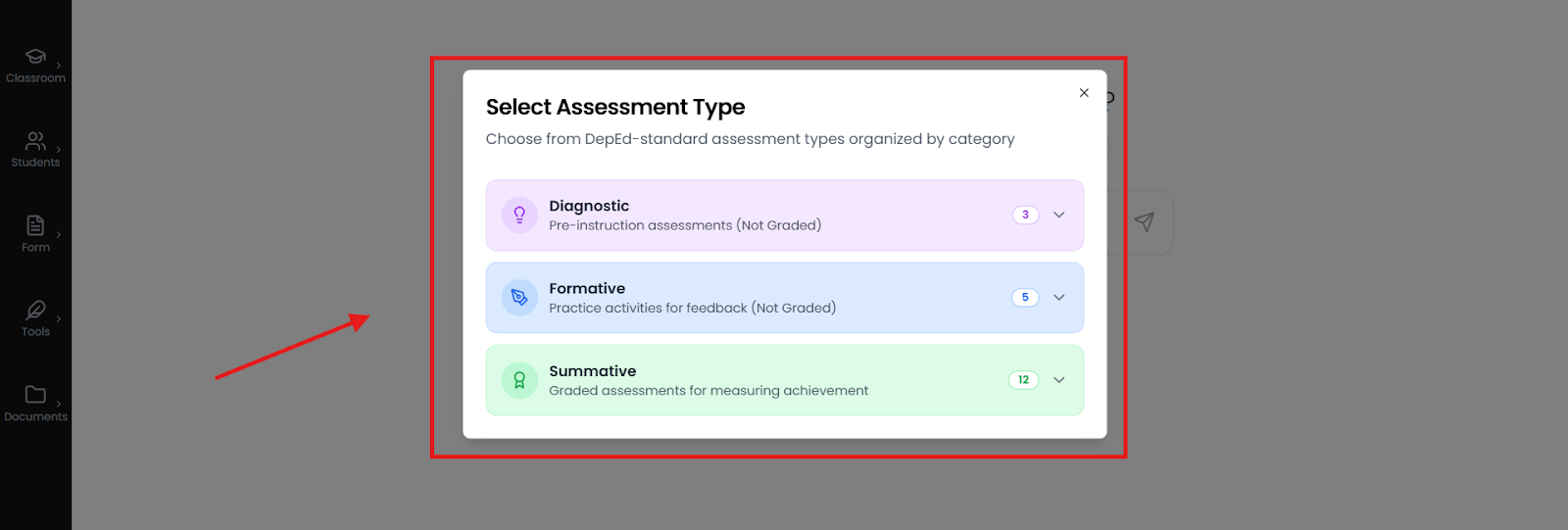
- Select the assessment type if you want to create a Diagnostic, Formative, or Summative.
- Diagnostic assessments. Select this category if you want to evaluate a student's starting point before teaching begins. These are non-graded tools used to gauge readiness and identify learning gaps at the start of a unit or school year. You can create Pre-Tests for quick knowledge checks, or more comprehensive Diagnostic and Placement Tests which require a Table of Specifications (TOS) to accurately align with grade-level standards.
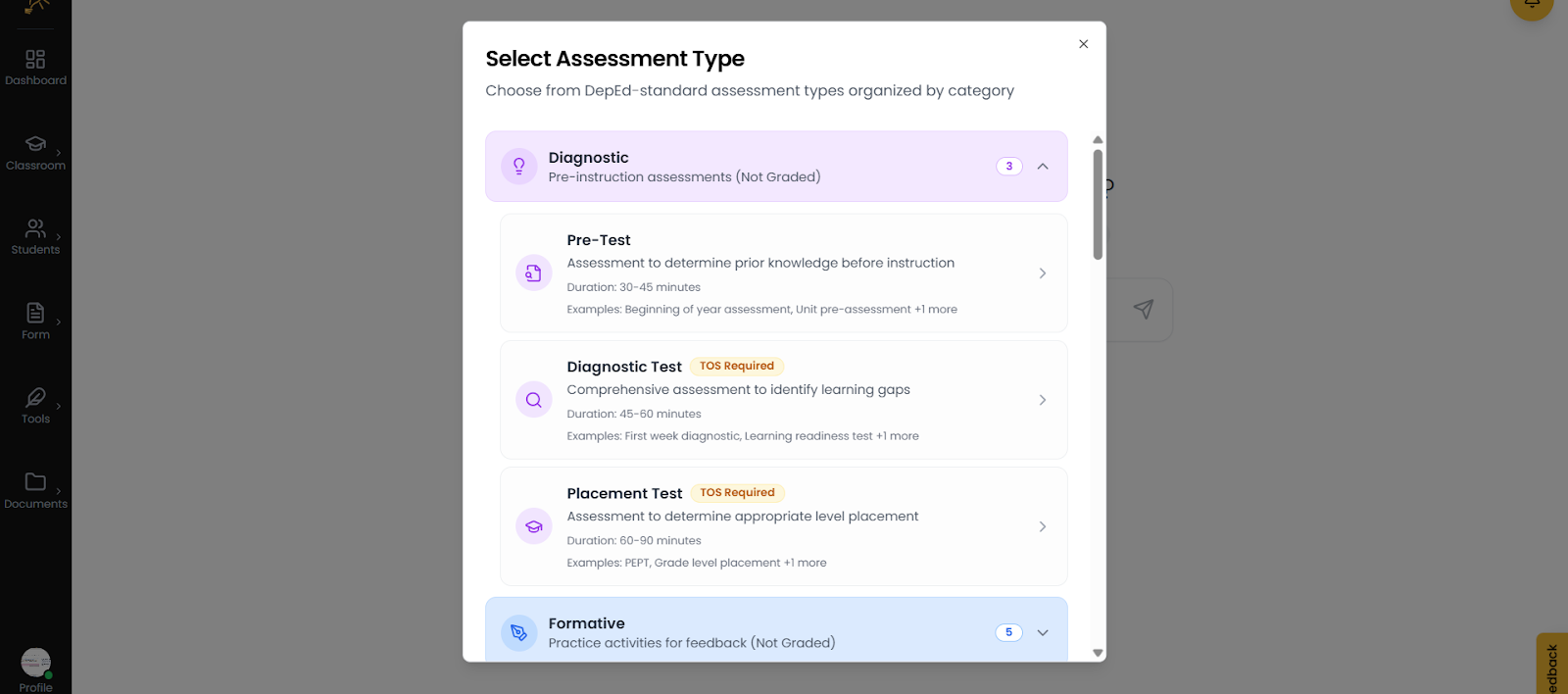
- Formative. Select this category if you want to provide practice activities and gather real-time feedback. These assessments are not graded and are designed to monitor student progress during daily lessons. Use this for Seatwork, Homework, or Recitations to see how well students are grasping the material and to adjust your teaching strategy immediately if they are struggling.
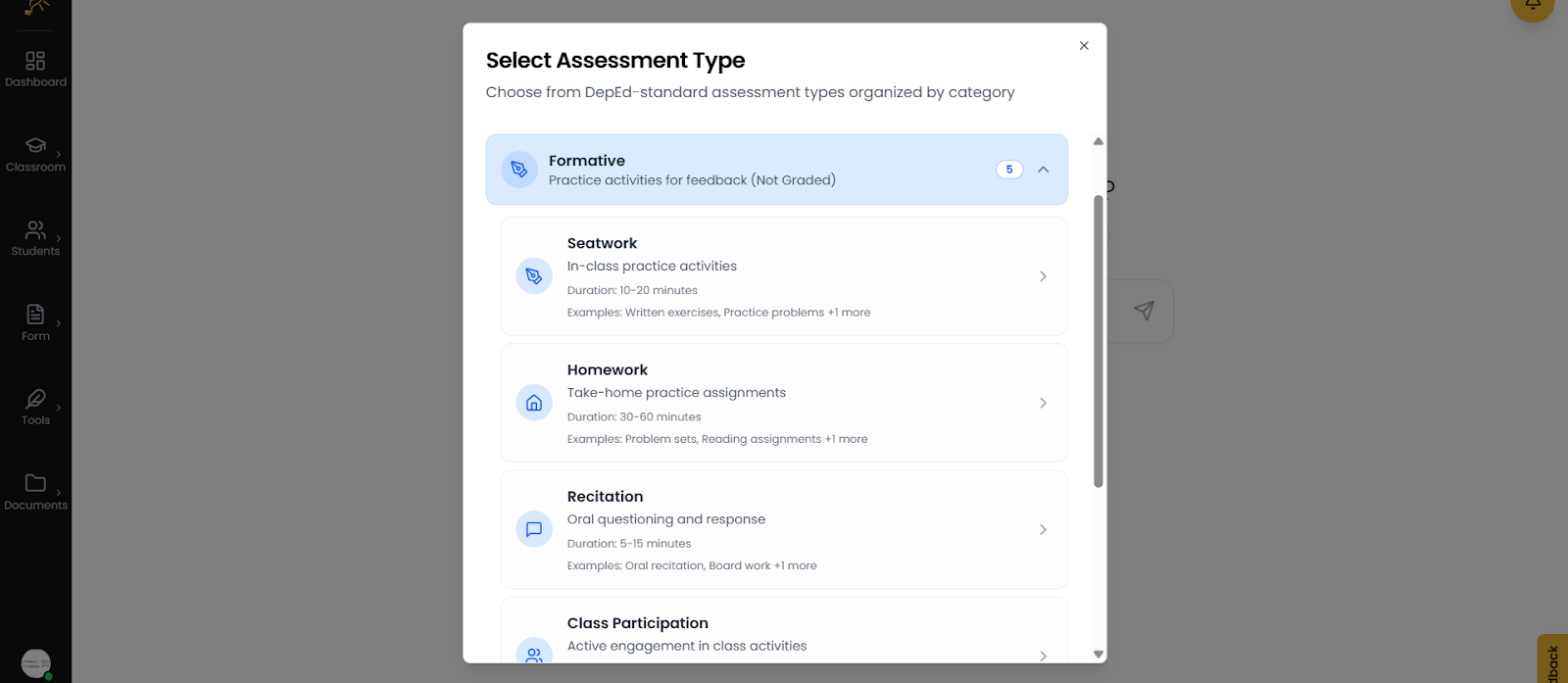
- Summative. Select this category if you want to record grades and measure student achievement. These are formal evaluations that directly impact a student's final marks and are categorized into Written Works, Performance Tasks, and Quarterly Assessments. Most comprehensive summative tools, such as Unit Tests or Periodical Exams, require a Table of Specifications (TOS) to ensure they meet academic mastery requirements.
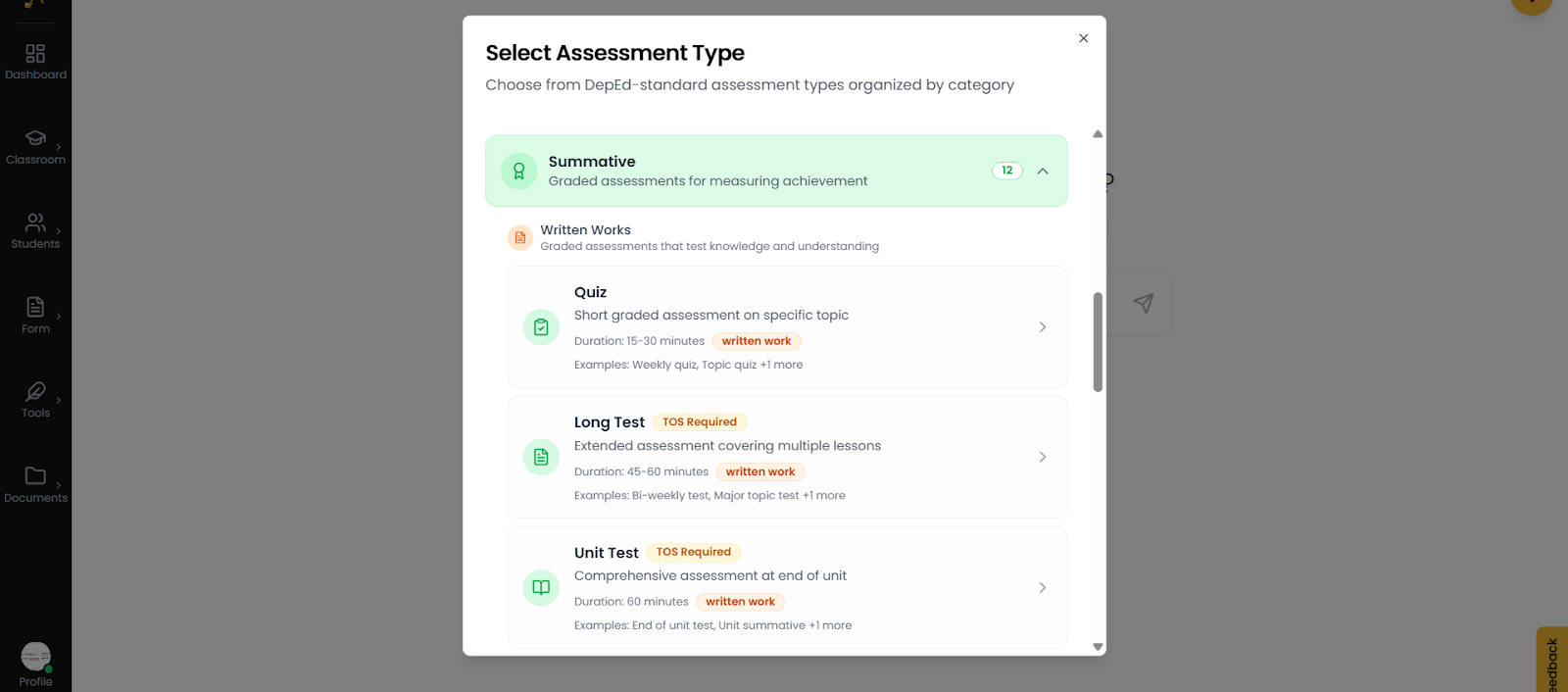
- Scroll down each option as needed.
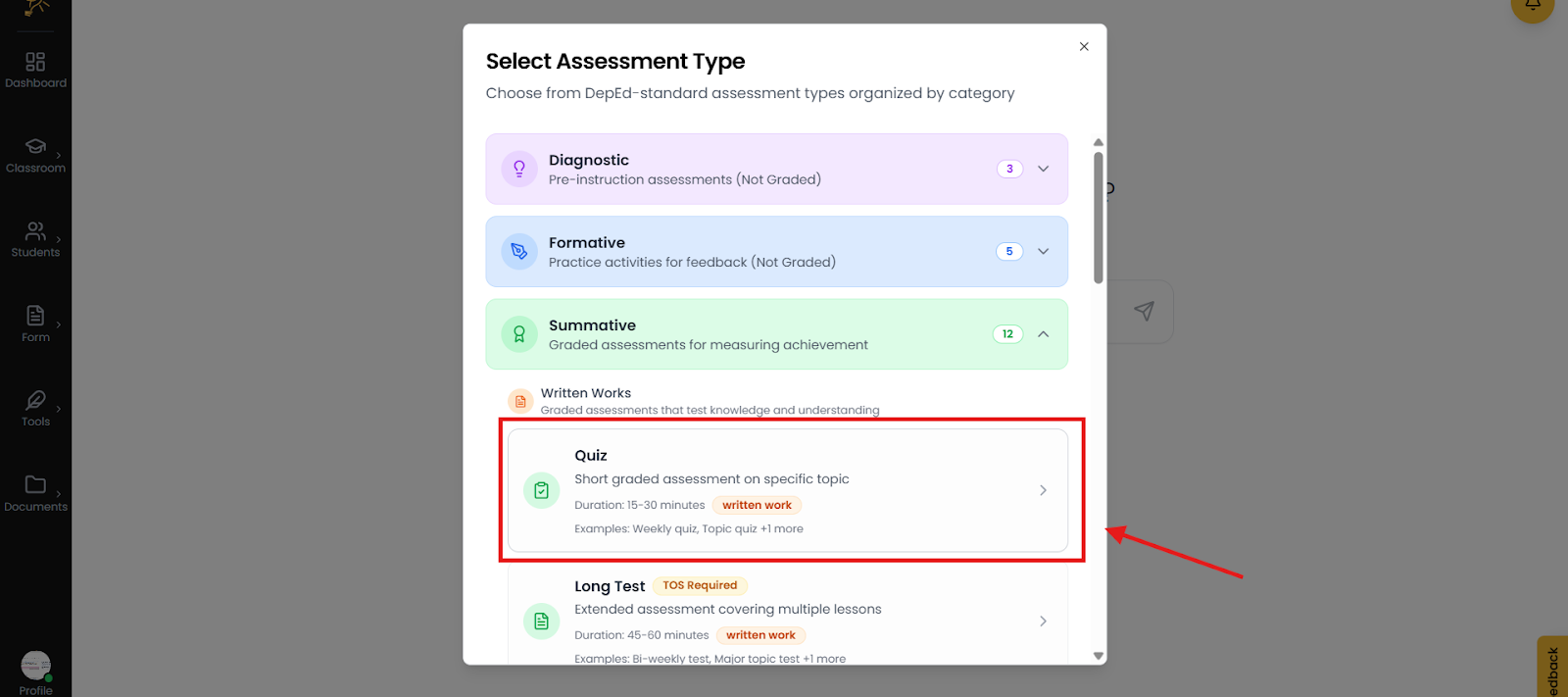
- For this example we will use quiz. Then the AI will generate the Quiz directly to our lesson plan.
- Type the Assessment you want to create. Then click send.
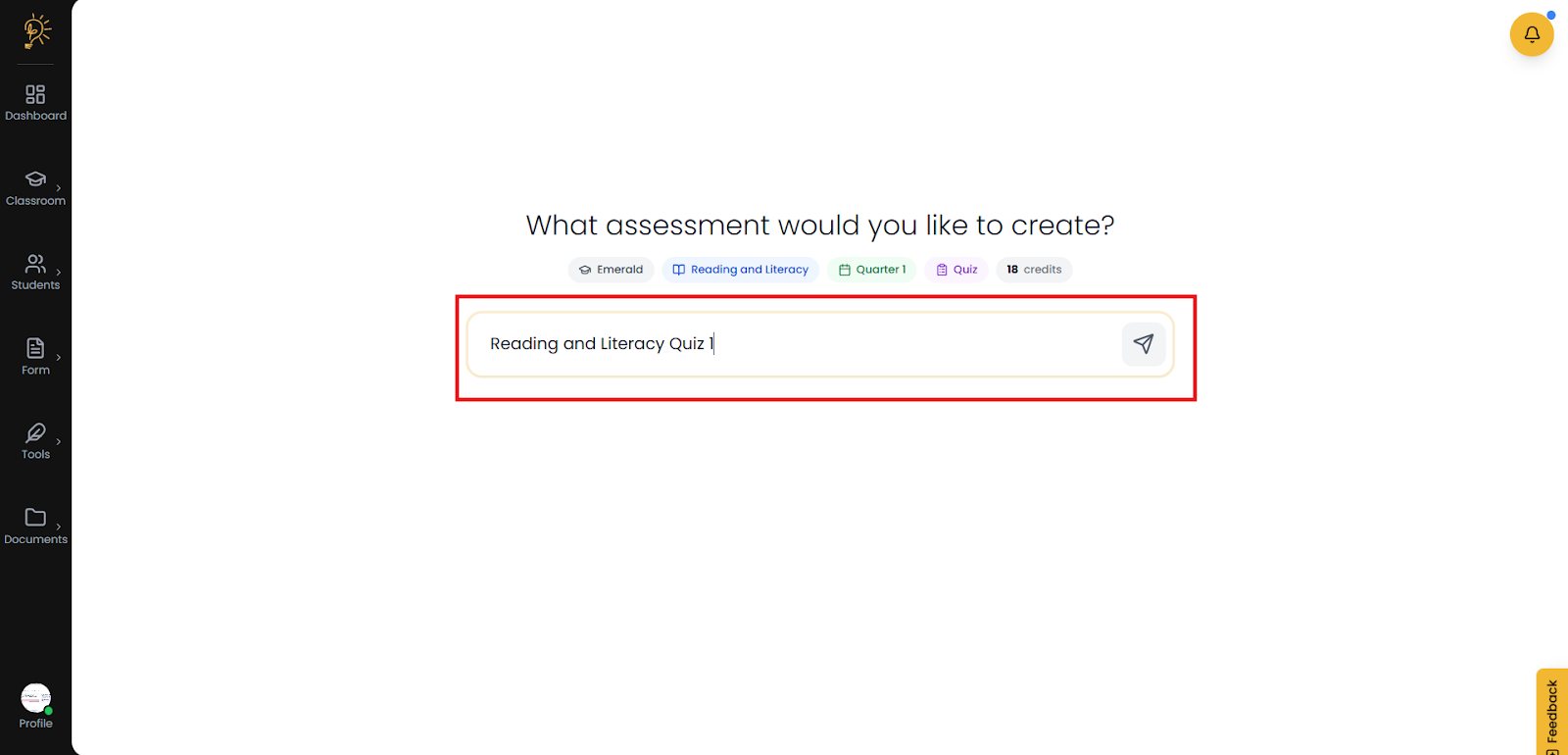
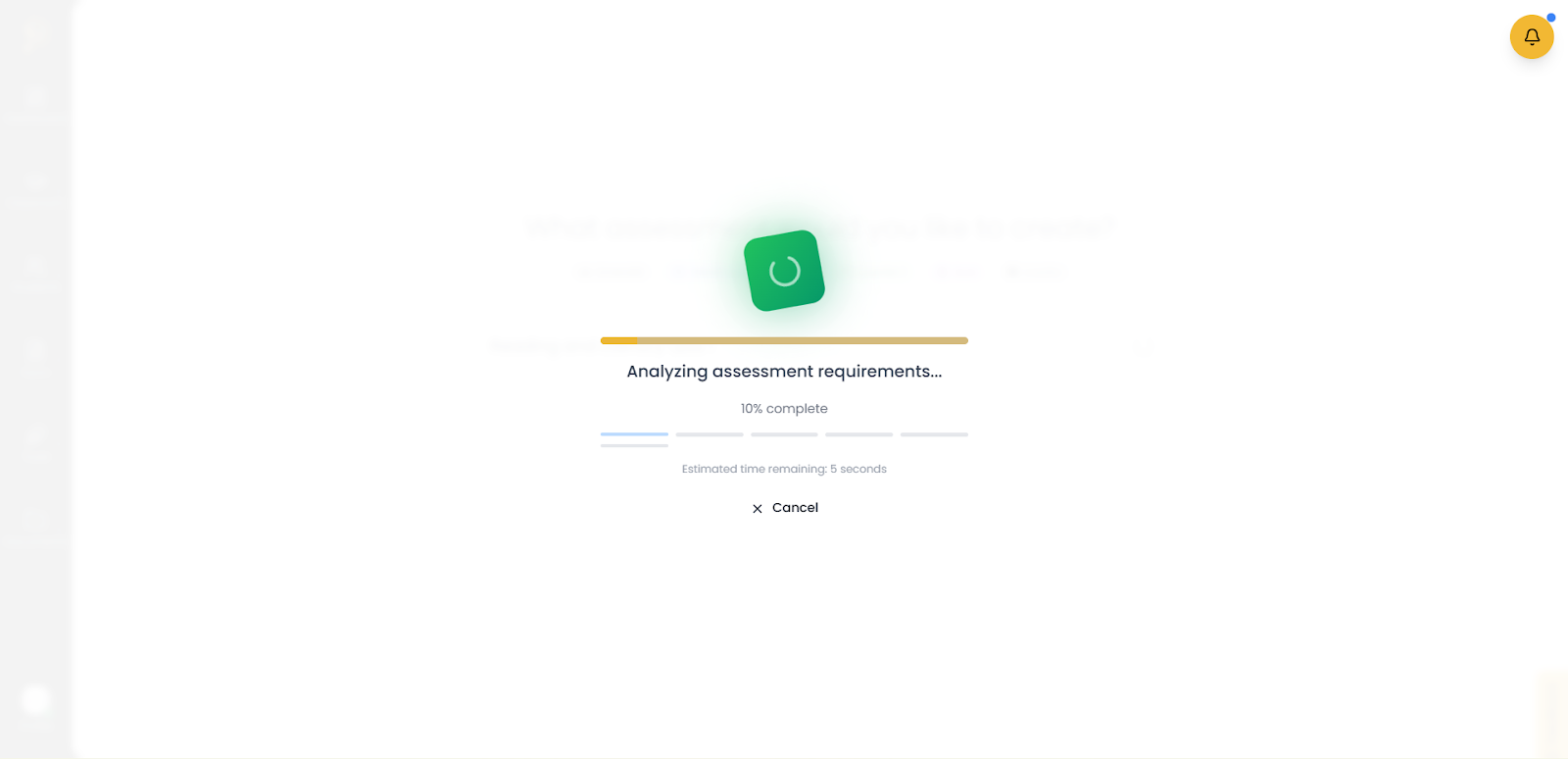
- The AI will then start the generation for the assessment you have created.
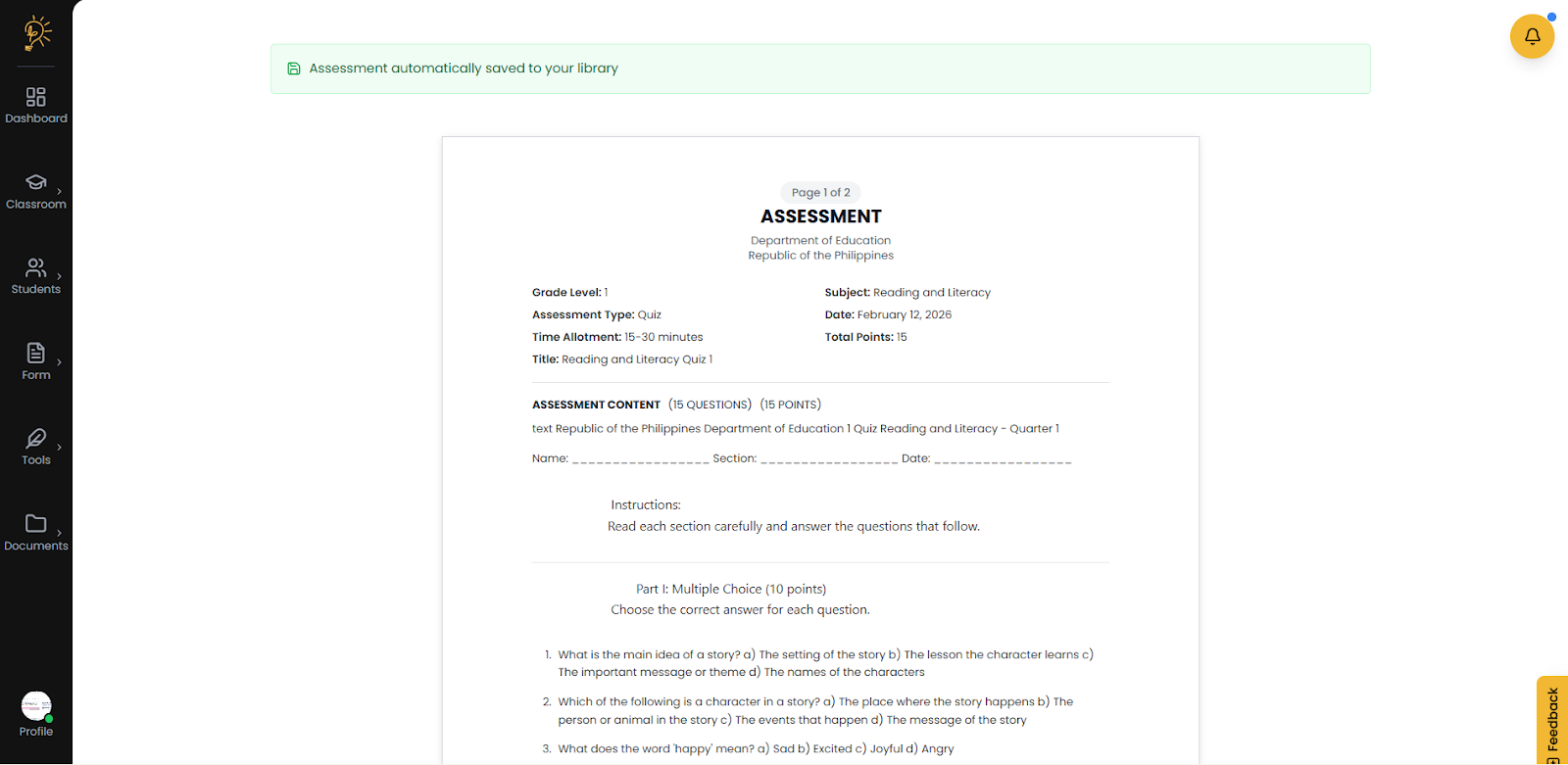
- After generating the system will preview the assessment generated.
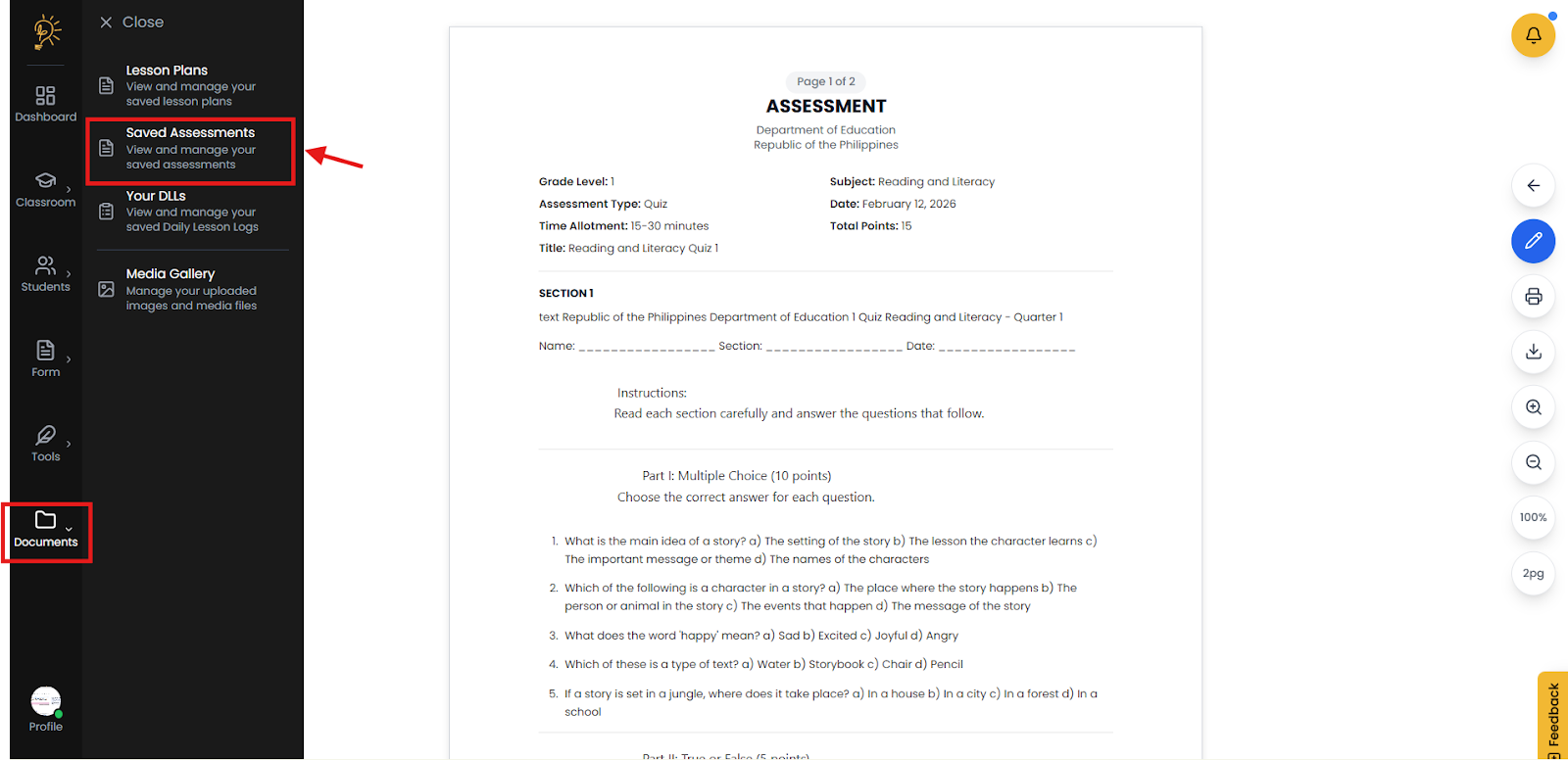
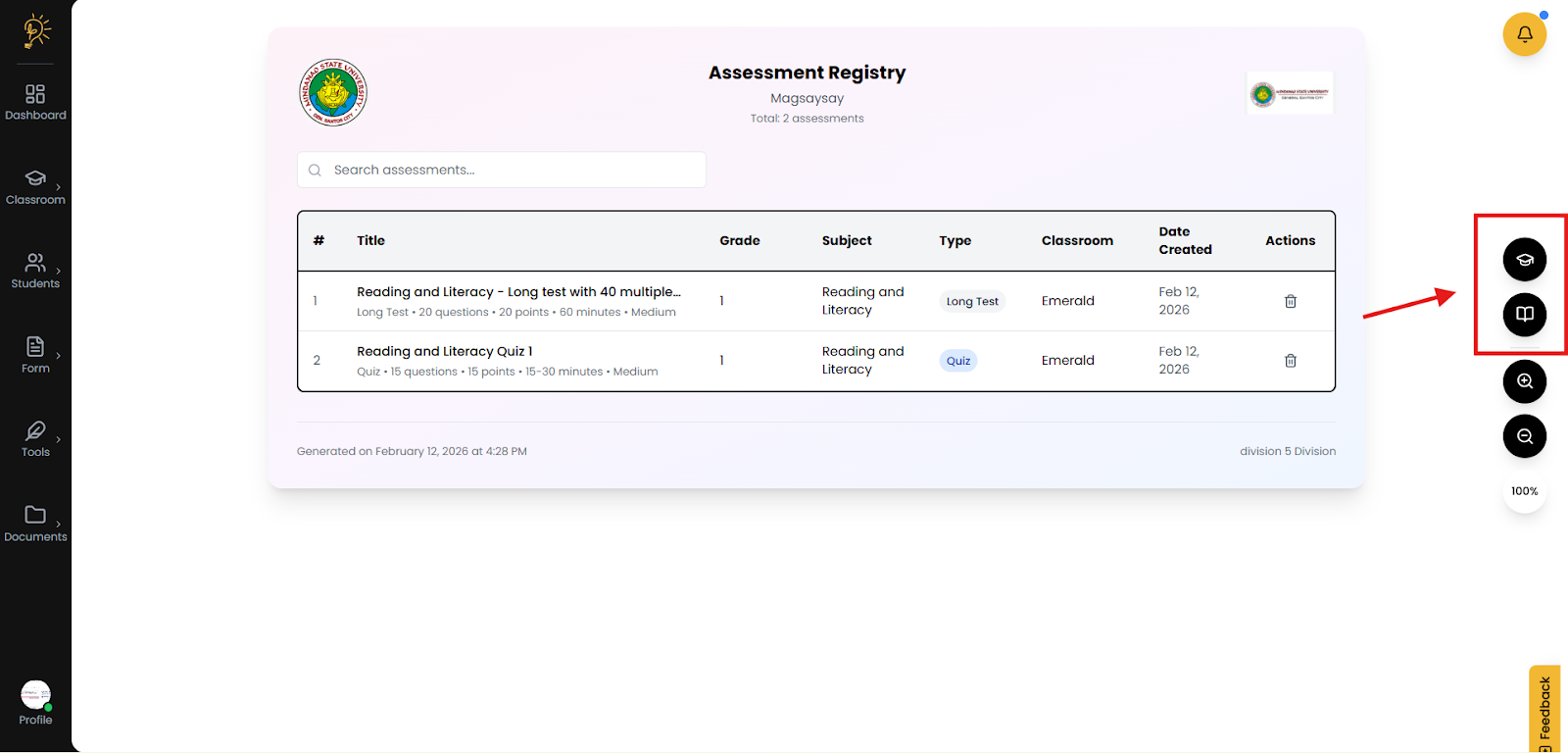
- You can view the generated assessment on the Documents section.
- The assessment generated will be then viewed here anytime.
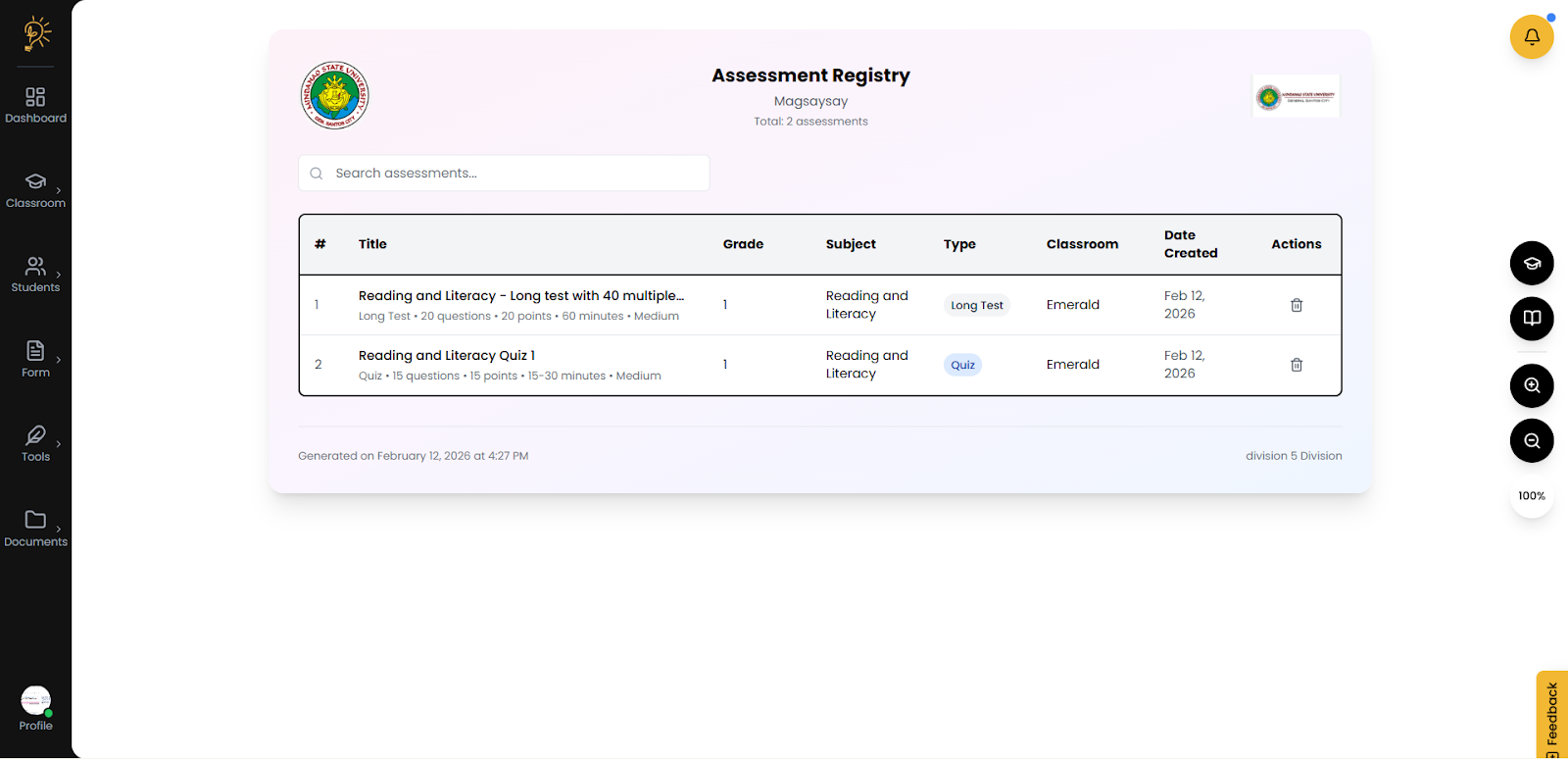
- You also have the option to change the Classroom or select the specific subject from the right navigation.
Author
Better Teaching Solutions
Making teaching easier, giving more time for our hard working teachers!